
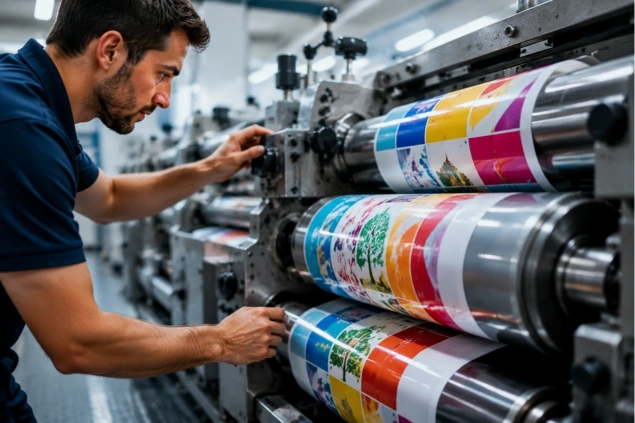
How to Improve Flexo Print Quality: 10 Proven Tips for Better Flexographic Printing Results
High print quality is one of the most important goals in flexographic printing. Whether producing self-adhesive labels, shrink sleeve labels, flexible packaging, or paper packaging, customers expect sharp images, vibrant colors, and consistent registration. However, print defects such as dirty print, color variation, banding, dot gain, or poor registration can reduce product quality and increase production costs.
Improving flexographic print quality is not about adjusting a single machine setting. It requires consistent control of every stage of the printing process, including plate mounting, anilox selection, ink management, web tension, and equipment maintenance. Here are ten proven ways to achieve better flexographic printing results.
1. Choose the Right Anilox Roller
The anilox roller controls the amount of ink transferred to the printing plate, making it one of the most important factors affecting print quality. Selecting the correct cell volume and line screen for your artwork, substrate, and ink system helps produce sharp details, smooth solid areas, and stable color density. Regular cleaning and inspection are equally important because clogged or damaged cells reduce ink transfer and create inconsistent printing.
2. Maintain Proper Ink Viscosity
Ink viscosity directly influences color consistency and print stability. If the viscosity changes during production, colors may become lighter or darker, while excessive or insufficient ink transfer can lead to print defects. Monitoring viscosity regularly, maintaining stable ink temperature, and following the ink manufacturer’s recommendations help keep the printing process consistent throughout long production runs.
3. Improve Plate Mounting Accuracy
Even a high-performance flexographic printing machine cannot achieve excellent registration if the printing plates are mounted incorrectly. Camera-assisted plate mounting systems allow operators to position plates accurately, reducing setup time and minimizing registration adjustments on press. Proper mounting tape selection and careful removal of air bubbles also contribute to more consistent print quality.
4. Use the Correct Printing Pressure
Applying excessive impression pressure does not improve print quality. Instead, it can increase dot gain, dirty print, and plate wear while reducing image sharpness. On the other hand, insufficient pressure may cause incomplete ink transfer. The best practice is to use the minimum pressure required to achieve complete and uniform ink coverage.
5. Keep Web Tension Stable
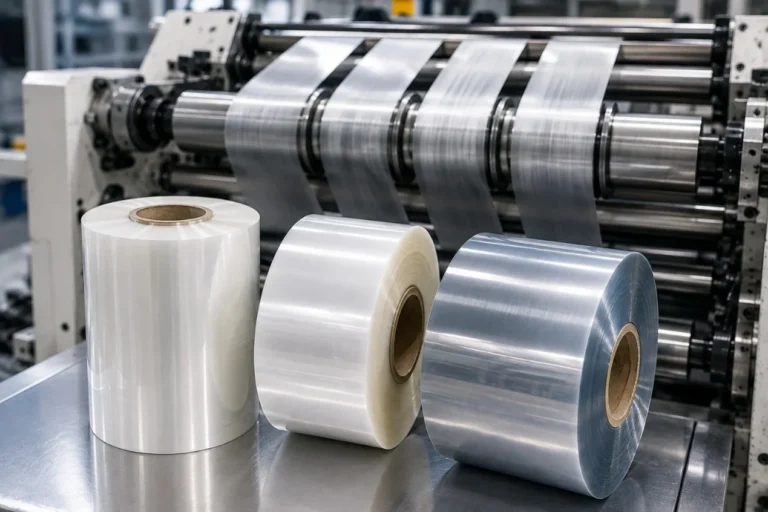
Stable web tension is essential for maintaining accurate registration, especially when printing thin films such as PET, BOPP, and PE. Fluctuating tension can cause registration drift, wrinkles, and inconsistent print results. Modern servo-driven flexographic presses equipped with closed-loop tension control provide better web stability and improve overall production consistency.
6. Inspect Doctor Blades Regularly
Doctor blades meter ink on the anilox roller and play an important role in maintaining uniform ink transfer. Worn or damaged blades may cause streaks, dirty print, color variation, or banding. Regular inspection, correct blade pressure, and timely replacement help ensure smooth and consistent ink metering.
7. Maintain Clean Printing Components
Dust, dried ink, adhesive residue, or contamination on anilox rollers, printing plates, impression cylinders, or guide rollers can quickly reduce print quality. Establishing a preventive cleaning schedule keeps printing components in good condition and minimizes unexpected defects during production.
8. Optimize Drying or UV Curing
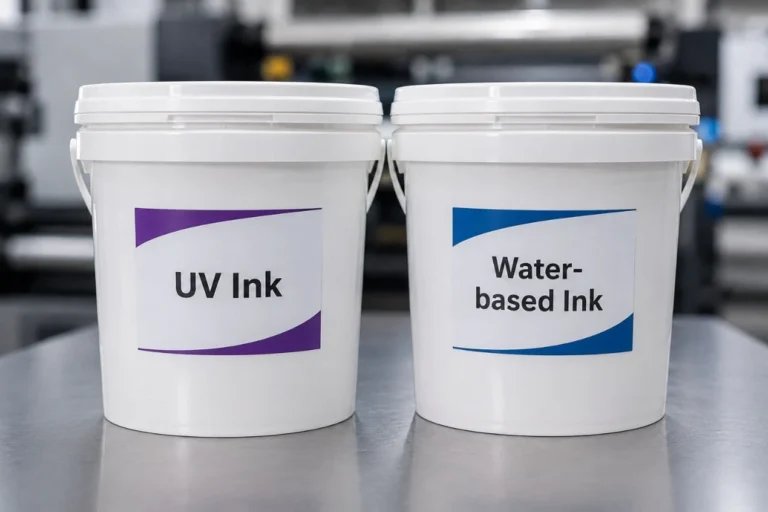
Proper drying or curing is necessary to achieve strong ink adhesion and prevent smearing. Inadequate curing may leave the ink vulnerable to scratching or blocking, while excessive heat may affect sensitive film materials. The curing system should always match the selected ink type, substrate, and production speed.
9. Reduce Machine Vibration
Mechanical vibration often appears as banding, uneven solids, or registration instability, particularly at higher production speeds. Regular maintenance of bearings, cylinders, gears, and drive systems helps maintain machine stability. Servo-driven flexographic presses also reduce many vibration-related issues associated with traditional mechanical transmission systems.
10. Standardize Production Settings
One of the simplest ways to improve repeatability is to document successful production parameters. Recording information such as ink formulation, anilox specifications, plate type, mounting tape, printing pressure, web tension, and machine speed allows future jobs to be set up more quickly while reducing startup waste and improving consistency.
Common Print Quality Problems
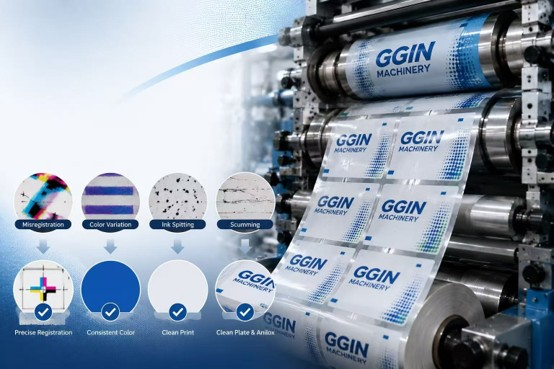
Even well-maintained production lines occasionally experience print defects. Some of the most common issues include dirty print, color inconsistency, registration errors, ink smearing, excessive dot gain, banding, poor solid ink coverage, and blurred images. These problems are often connected, so changing one parameter without identifying the root cause may not solve the issue. A systematic troubleshooting process is always more effective than repeated trial-and-error adjustments.
Why Modern Servo Flexo Presses Deliver Better Quality
Servo-driven flexographic printing machines offer significant advantages for modern label and flexible packaging production. Independent servo motors, automatic registration control, precise web tension management, digital job storage, and stable motion control all contribute to better print consistency, faster job changes, and lower material waste. Combined with accurate plate mounting and proper process control, servo technology helps manufacturers achieve higher productivity while maintaining premium print quality.
Conclusion
Improving flexographic print quality requires a combination of accurate plate mounting, proper anilox selection, stable ink management, controlled web tension, correct impression pressure, and regular equipment maintenance. Rather than focusing on one machine setting, manufacturers should standardize the entire printing process and continuously monitor key production parameters. By following these proven practices and using modern flexographic printing equipment, label and packaging converters can achieve sharper images, more consistent colors, lower waste, and higher production efficiency.

One Comment
Comments are closed.