Common Flexo Printing Problems and How to Solve Them
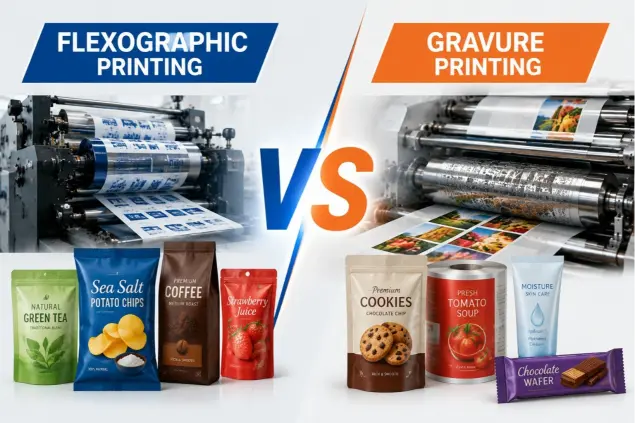
Flexographic printing is widely used for producing self-adhesive labels, flexible packaging, shrink sleeves, paper packaging, and many other roll-to-roll products. Modern flexographic presses are capable of delivering excellent print quality at high production speeds, but achieving consistent results requires precise control of every stage of the printing process.
Even experienced operators occasionally encounter print defects that affect productivity, increase material waste, and reduce customer satisfaction. Fortunately, most flexo printing problems have identifiable causes and practical solutions.
This guide explains the most common flexographic printing problems, their likely causes, and effective ways to improve print quality and production efficiency.
1. Registration Problems
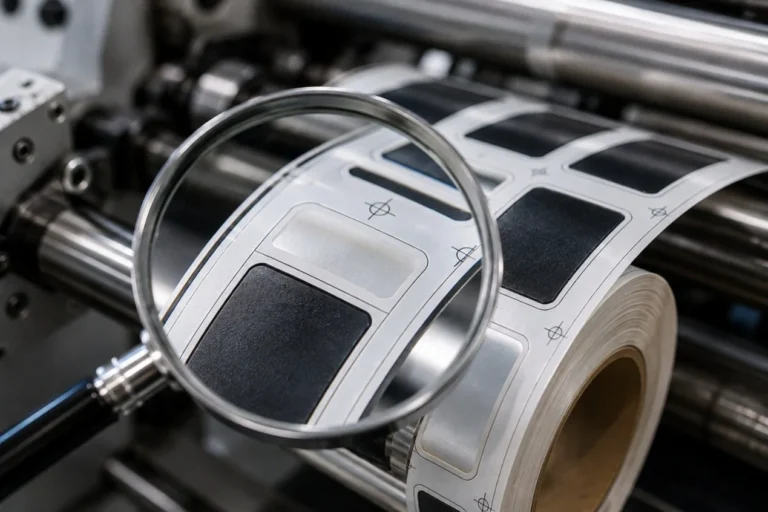
Registration errors occur when colors do not align correctly during multi-color printing. Misregistration can create blurry graphics, overlapping colors, and poor barcode readability.
Common causes include unstable web tension, inaccurate plate mounting, worn mechanical components, improper register settings, or material stretching. Maintaining stable web tension, using a camera-assisted plate mounting machine, and regularly calibrating the registration system help minimize these issues. Servo-driven flexographic presses also provide more accurate color-to-color registration than traditional mechanical systems.
2. Color Inconsistency
Color variation is one of the most common customer complaints in flexographic printing. Colors may become lighter or darker during a production run, making repeat jobs difficult to match.
Typical causes include changes in ink viscosity, inconsistent ink temperature, incorrect anilox roller selection, worn doctor blades, unstable printing pressure, or substrate variation. Standardizing ink preparation, monitoring viscosity, and recording successful production settings help achieve consistent color reproduction.
3. Dirty Print
Dirty print appears when unwanted ink transfers into non-image areas, reducing image sharpness and making text or graphics look blurred.
This problem is often caused by excessive printing pressure, contaminated plates, damaged doctor blades, incorrect anilox specifications, or poor plate cleaning. Using the minimum effective impression pressure and keeping printing components clean significantly improves print quality.
4. Dot Gain
Dot gain occurs when printed dots become larger than intended, causing images to appear darker and reducing fine detail.
Possible causes include excessive impression pressure, incorrect plate hardness, unsuitable mounting tape, high ink transfer, or inappropriate anilox selection. Proper pressure adjustment and selecting the correct plate and anilox combination help control dot reproduction.
5. Banding
Banding appears as repeating horizontal or vertical lines across solid colors or gradients. The defect is especially visible on premium labels and high-quality packaging.
Banding may result from dirty or damaged anilox rollers, doctor blade chatter, machine vibration, cylinder runout, unstable ink transfer, or gear wear. Cleaning the anilox roller, replacing worn doctor blades, and inspecting mechanical components are usually the first troubleshooting steps.
6. Ink Smearing
Ink smearing occurs when ink has not fully dried or cured before contacting another surface.
Possible causes include insufficient UV curing, inadequate hot-air drying, excessive ink film thickness, or production speeds that exceed the drying system’s capacity. Optimizing curing conditions and selecting the correct ink system help prevent smearing.
7. Poor Ink Adhesion
Poor adhesion may cause ink to scratch, peel, or flake from the substrate after printing.
This often results from low surface energy, incorrect ink selection, insufficient curing, or contaminated material surfaces. Matching the ink system to the substrate and verifying surface treatment before production improve adhesion performance.
8. Uneven Solid Ink Coverage
Solid areas should appear smooth and uniform, but inconsistent ink transfer can create mottled or patchy prints.
Possible causes include clogged anilox cells, worn doctor blades, unstable ink viscosity, or excessive vibration. Regular anilox cleaning and stable ink management improve solid print quality.
9. Plate Mounting Errors
Incorrect plate mounting affects registration, image sharpness, and color consistency.
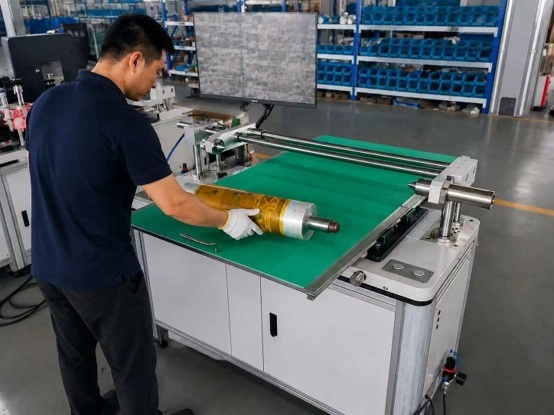
Air bubbles, uneven mounting tape, inaccurate alignment, or damaged plates can all reduce print quality. Camera-assisted plate mounting systems improve accuracy while reducing setup time and startup waste.
10. Web Wrinkles
Wrinkles may appear before or during printing, causing distorted graphics and unstable registration.
Typical causes include incorrect web tension, roller misalignment, poor unwind settings, or material defects. Proper tension control and accurate web guiding help eliminate wrinkles.
11. Static Electricity
Static electricity is particularly common when printing plastic films such as PET, BOPP, and PE.
Static attracts dust, interferes with material handling, and may contribute to print defects. Anti-static bars, proper grounding, and humidity control help reduce static-related problems.
12. Excessive Machine Vibration
Mechanical vibration affects registration, ink transfer, and image quality, especially at higher production speeds.
Common sources include worn bearings, unbalanced rollers, loose components, or damaged gears. Preventive maintenance and routine inspection help maintain stable machine performance.
13. Doctor Blade Problems
Doctor blades control ink metering on the anilox roller. Worn or incorrectly adjusted blades may cause streaks, color variation, dirty print, or banding.
Regular replacement, proper blade pressure, and clean blade holders help maintain consistent ink transfer.
14. Anilox Roller Problems
The anilox roller plays a critical role in ink transfer. Damaged or contaminated anilox cells reduce print quality and color consistency.
Routine cleaning, microscopic inspection, and selecting the correct cell volume for each application help maintain reliable performance.
15. Drying and UV Curing Issues
Inadequate drying may cause ink transfer, poor adhesion, blocking, or reduced scratch resistance.
The curing system should be matched to the selected ink, substrate, and production speed. Regular inspection of UV lamps, reflectors, and hot-air systems ensures stable curing performance.
How to Troubleshoot Flexo Printing Problems
When a print defect appears, changing multiple settings at once often makes the problem more difficult to identify. A systematic approach is usually more effective.
Begin by checking whether the defect repeats consistently, then inspect the printing plate, anilox roller, doctor blade, ink condition, web tension, impression pressure, and mechanical components. Make one adjustment at a time and evaluate the result before changing another parameter.
Best Practices for Better Print Quality
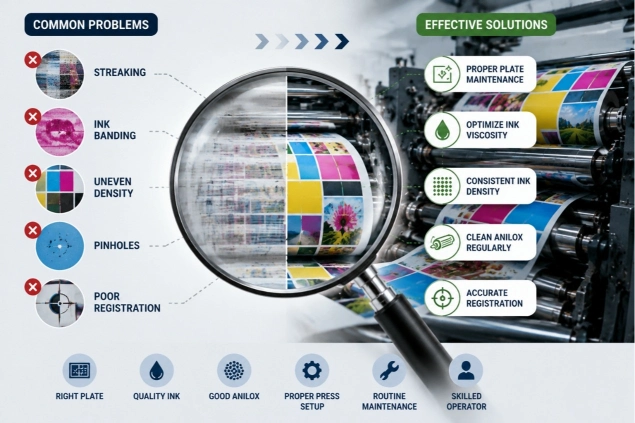
Consistent flexographic printing depends on standardized production procedures. Successful converters typically maintain stable ink viscosity, use suitable anilox rollers, verify accurate plate mounting, control web tension, minimize impression pressure, inspect doctor blades regularly, clean printing components, perform preventive maintenance, and document successful production settings for repeat jobs.
How Modern Servo Flexographic Presses Improve Quality
Servo-driven flexographic printing machines offer significant advantages for modern label production. Independent servo control, automatic registration systems, closed-loop tension management, digital job storage, and reduced mechanical transmission improve repeatability while reducing setup time and material waste. These technologies help manufacturers achieve higher productivity without compromising print quality.
Conclusion
Most flexographic printing problems originate from a combination of ink management, plate mounting, anilox condition, doctor blade performance, web tension, impression pressure, and machine maintenance. By following standardized operating procedures and addressing the root cause of each defect instead of making repeated trial-and-error adjustments, manufacturers can significantly improve print quality, reduce waste, and increase production efficiency.
With proper maintenance, accurate process control, and modern servo-driven flexographic printing equipment, label and flexible packaging converters can consistently produce high-quality products while meeting demanding customer expectations.