Anilox Roller: How It Affects Flexo Print Quality
The anilox roller plays a critical role in flexographic printing quality by controlling the amount of ink transferred to the printing plate. Its cell volume, line screen, engraving geometry, and surface condition influence color consistency, solid ink coverage, and fine detail reproduction. Choosing the right anilox roller and maintaining it properly can help label printers and packaging manufacturers reduce printing defects and achieve more consistent results.
Even when a flexo press has accurate registration and a reliable tension-control system, an unsuitable or poorly maintained anilox roller can still cause printing defects. Understanding how anilox specifications, ink transfer, and roller condition affect print quality is essential for label printers and packaging manufacturers.
How Does an Anilox Roller Work in Flexographic Printing?
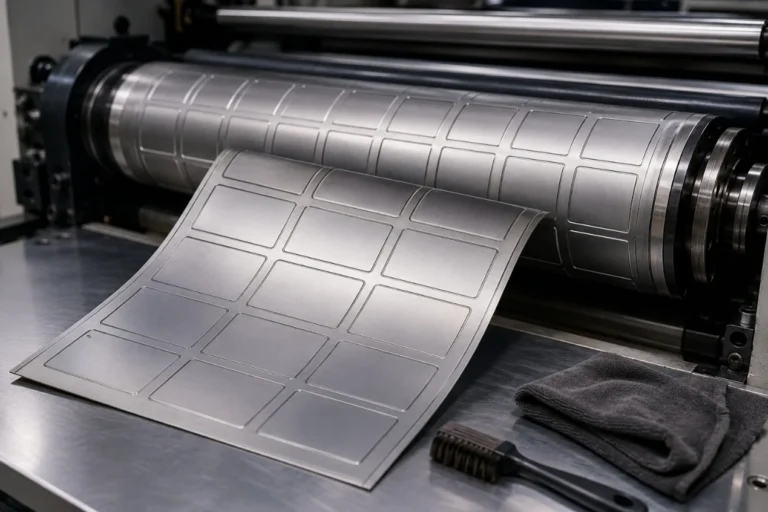
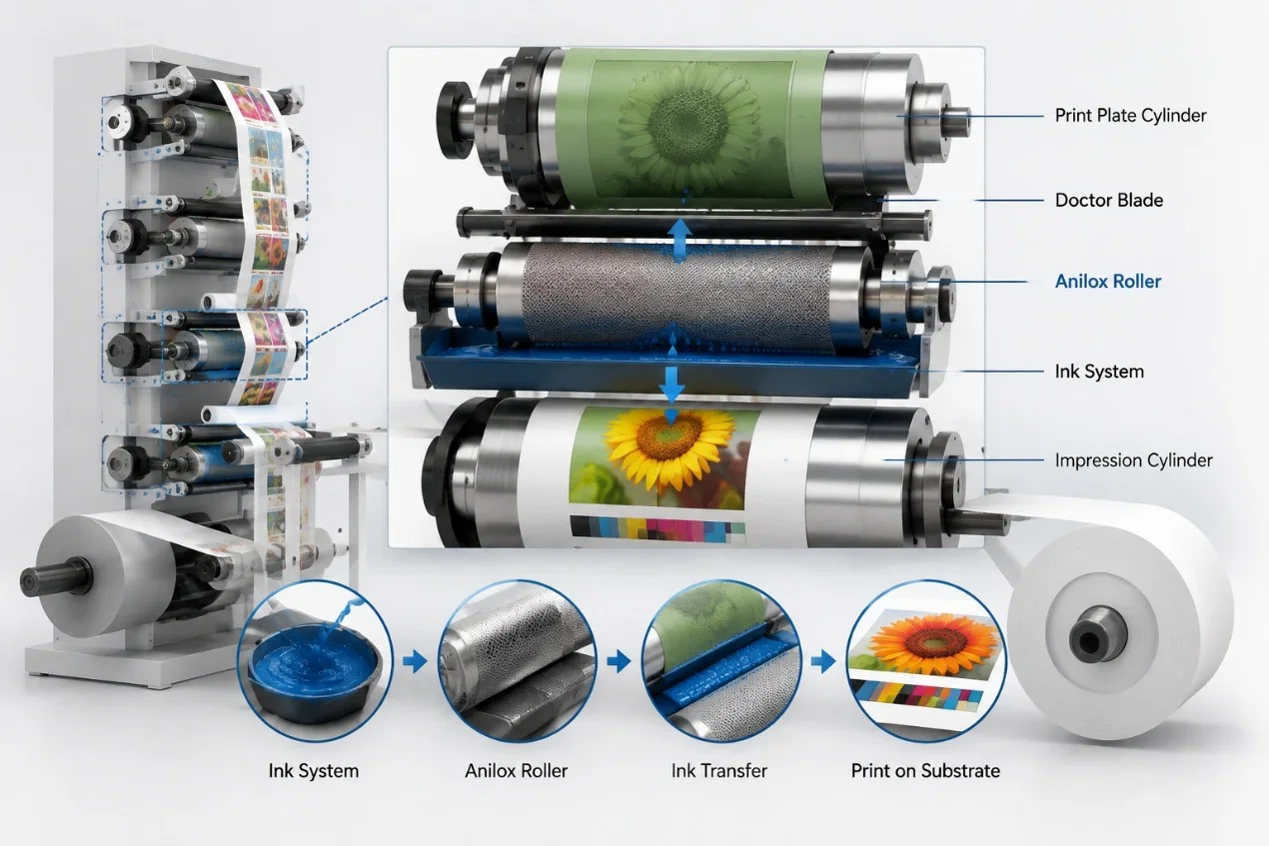
An anilox roller has thousands of precisely engraved cells on its surface. These cells carry ink from the ink supply system and transfer a controlled quantity to the raised image areas of the flexographic printing plate.
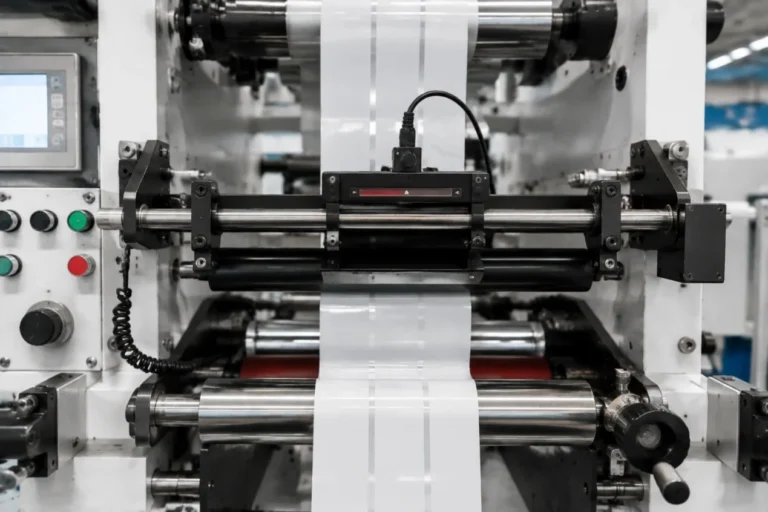
In a typical chambered doctor blade system, ink fills the engraved cells while the doctor blade removes excess ink from the roller surface. As the anilox roller contacts the printing plate, part of the ink held in the cells is transferred to the plate and subsequently to the substrate.
The amount of ink delivered depends on several factors, including cell geometry, engraving specifications, ink properties, doctor blade performance, and printing conditions. Because the anilox roller directly controls ink delivery, its specifications have a significant influence on print density, color consistency, and image quality.
How Anilox Roller Cell Volume Affects Print Quality
Cell volume describes the ink-holding capacity of the engraved anilox surface. It is commonly expressed in BCM (billion cubic microns per square inch) or cm³/m².
A higher cell volume generally provides greater ink-carrying capacity, which can be useful for solid colors, opaque white ink, or applications requiring heavier ink coverage. However, excessive ink transfer may contribute to dot gain, dirty printing, poor detail reproduction, and drying or curing difficulties.
A lower cell volume can help control ink film thickness and support fine graphics, but insufficient ink delivery may result in weak solid colors, low print density, or uneven coverage.
The correct cell volume should therefore be selected according to the ink formulation, printing plate, artwork, substrate, and required print result. More ink does not automatically mean better printing quality.
Anilox Line Screen and Fine Detail Reproduction
Anilox line screen refers to the number of engraved cells per unit of length, usually measured in lines per inch (LPI) or lines per centimeter (LPCM).
A finer anilox engraving is often used for applications requiring controlled ink transfer and detailed image reproduction. However, line screen alone does not determine printing quality.
Two anilox rollers with the same line screen can have different cell volumes and engraving geometries, resulting in different ink-transfer performance.
For fine text, halftone images, and detailed label graphics, the anilox specification should be matched to the printing plate’s screen ruling and the intended ink film thickness. For large solid areas, a different engraving and volume combination may provide better coverage.
Choosing an anilox roller based only on the highest available LPI can lead to disappointing results if the ink transfer is insufficient for the application.
How Anilox Condition Affects Color Consistency
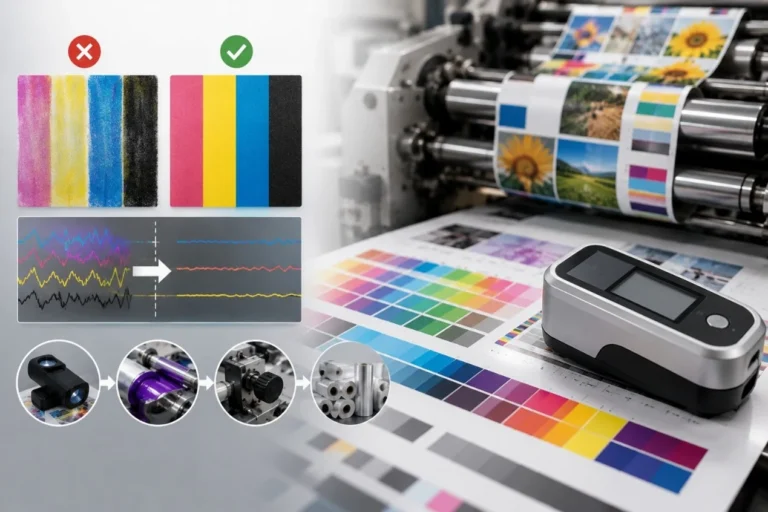
Consistent color is one of the main challenges in flexographic printing, particularly during long production runs and repeat orders.
Over time, dried ink, coating residue, and other contaminants can accumulate inside the engraved cells. This reduces their effective capacity and may cause the anilox roller to transfer less ink than intended.
As a result, printed colors may become weaker, solid areas may appear uneven, and operators may struggle to reproduce previously approved color standards.
Mechanical damage can also affect printing performance. Scratches, worn engraving, and surface defects may create streaks or localized variations in ink transfer.
When color density changes unexpectedly, operators should check anilox cleanliness and condition before making major adjustments to printing pressure or ink formulation.
Common Printing Defects Related to Anilox Rollers
Anilox-related problems can appear in different ways depending on the ink system, substrate, and printing conditions.
Weak solid coverage may result from insufficient cell volume, clogged cells, or poor ink transfer. Excessive dot gain and dirty print may be associated with an unsuitable ink film thickness, although plate characteristics and printing pressure can also contribute.
Streaks or lines in the printed image may indicate doctor blade damage, anilox surface defects, or contamination in the ink system.
Uneven color density can also be caused by inconsistent ink viscosity, temperature changes, poor blade contact, or irregular ink circulation.
It is important not to assume that every print defect originates from the anilox roller. Printing plate condition, substrate surface properties, drying or curing, and press settings should also be evaluated when troubleshooting.
Cleaning and Maintaining Anilox Rollers
Regular cleaning is essential for maintaining stable ink transfer and extending anilox roller service life.
Routine cleaning should remove ink residue before it dries inside the engraved cells. The cleaning method must be compatible with the roller’s ceramic coating, ink chemistry, and manufacturer’s recommendations.
Depending on the application, approved chemical cleaning, specialized brushing, or professional ultrasonic cleaning may be used. However, excessive ultrasonic exposure, unsuitable chemicals, and abrasive cleaning methods can damage certain rollers or their components.
Operators should also inspect doctor blades, seals, bearings, and roller surfaces regularly. Damaged blades or contamination can cause scoring and other surface defects.
For repeat printing jobs, recording the anilox specifications and maintaining consistent cleaning procedures can help improve color repeatability and reduce setup waste.
Choosing the Right Anilox Roller for Your Application
There is no single anilox specification suitable for every flexographic printing job.
For self-adhesive labels with fine text and detailed graphics, controlled ink transfer and accurate image reproduction are important. For flexible packaging, solid color coverage, ink compatibility, and drying performance may have greater influence on the required specification.
Solvent-based, UV and water-based inks also have different transfer and processing characteristics. The anilox roller should be selected as part of the complete printing system rather than as an isolated component.
When choosing an anilox roller, printers should consider cell volume, line screen, engraving geometry, ink type, printing plate specifications, and substrate requirements. Testing representative artwork and materials is often the most reliable way to confirm performance.
Final Thoughts
Anilox rollers play a critical role in flexographic printing quality because they control the ink delivered to the printing plate. Cell volume, engraving specifications, cleanliness, and mechanical condition all influence color density, solid coverage, dot reproduction, and production consistency.
By selecting suitable anilox specifications and maintaining the rollers correctly, printers can reduce color variation, improve print quality, and minimize unnecessary production waste.
Looking for a flexographic printing machine or anilox roller solution? GGIN Machinery provides flexo printing equipment and related auxiliary solutions for label and packaging applications. Share your printing material, ink system, printing width, artwork requirements, and production needs, and we can help you evaluate a suitable configuration.