Why Flexo Print Color Is Not Stable: Causes and Solutions for Consistent Color Quality
Color stability is one of the most important quality requirements in flexographic printing. A job may look correct during initial setup but gradually become lighter, darker, or inconsistent as production continues. This can lead to customer complaints, additional color adjustments, lower production speed, and unnecessary material waste.
Unstable flexo print color is rarely caused by a single factor. Ink condition, anilox performance, doctor blade settings, printing pressure, drying, production speed, substrate properties, and machine stability can all affect the final result. Understanding these variables makes it easier to identify the real cause and maintain consistent color quality throughout the production run.
1. Ink Viscosity Changes During Production
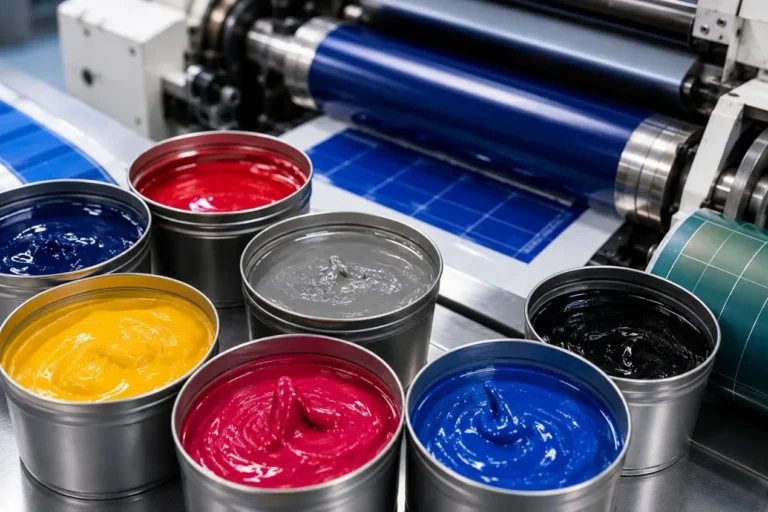
Ink viscosity is one of the most common causes of color variation, particularly when using water-based or solvent-based flexo inks. As solvents or water evaporate during production, viscosity may increase and change the amount of ink transferred to the substrate.
Operators should monitor viscosity regularly and maintain it within the recommended operating range. Automatic viscosity control can further improve consistency on long production runs by reducing dependence on manual adjustment.
Temperature should also be considered because changes in ink temperature can influence viscosity and printing behavior.
2. Incorrect or Inconsistent Anilox Roller Performance
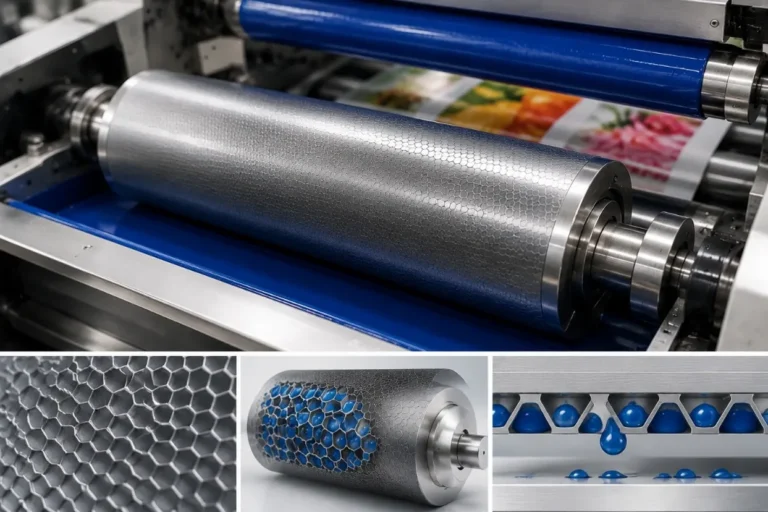
The anilox roller controls the amount of ink supplied to the printing plate. If the selected cell volume is unsuitable for the job, achieving the required color density may already be difficult. If anilox cells become blocked during production, effective ink transfer can gradually decrease and cause the printed color to become lighter or uneven.
Anilox rollers should therefore be selected according to the graphics, ink, substrate, and required ink film thickness. Regular cleaning and inspection help maintain consistent cell volume and ink transfer.
3. Doctor Blade Problems
The doctor blade removes excess ink from the anilox surface and helps create a controlled ink film. Incorrect blade pressure, a worn blade, contamination, or unstable blade contact can change the amount of ink remaining on the anilox roller.
Using excessive blade pressure is not a good solution because it can increase blade and anilox wear. The goal should be stable and uniform contact using the minimum effective pressure required for clean metering.
4. Ink Circulation Is Not Stable
Poor ink circulation can cause pigment settling, foaming, temperature variation, or inconsistent ink supply. These problems may become more noticeable during long production runs.
The ink circulation system should maintain sufficient and consistent flow without introducing excessive air. Ink tanks, pumps, hoses, filters, and return lines should also be kept clean to prevent contamination and unstable ink delivery.
5. Printing Pressure Is Incorrect
Excessive impression pressure can increase dot gain and make colors appear darker, while insufficient or inconsistent pressure may produce weak or uneven ink transfer. Pressure differences between printing units can also make multi-color reproduction more difficult to control.
Printing pressure should be set to the minimum level required for stable ink transfer. Plate condition, mounting tape, cylinder alignment, and mechanical condition should be checked before using additional pressure to compensate for another problem.
6. Production Speed Changes Frequently
A flexo job that produces the correct color at one speed may behave differently after significant acceleration or deceleration. Changes in speed can influence ink transfer, drying, web tension, and temperature within the printing process.
Instead of continuously changing speed while adjusting color, establish stable operating conditions and evaluate the printed result after the process has stabilized. If color changes consistently with speed, inspect the ink delivery, anilox, drying system, and press settings rather than adjusting ink alone.
7. Drying or UV Curing Is Not Stable
Drying conditions influence how the printed ink appears and performs. Insufficient drying of water-based or solvent-based inks can cause smearing, trapping problems, or changes in the appearance of subsequent colors. UV inks require stable curing conditions to achieve consistent results.
Dryer temperature, airflow, exhaust, UV output, production speed, and ink coverage should be matched to the job. Aging UV components or inconsistent dryer performance can create quality changes even when other press settings remain unchanged.
8. Substrate Surface Properties Vary
The same ink can produce different results on different substrates because surface energy, absorbency, coating, thickness, and treatment level affect ink transfer and adhesion. Even different batches of the same material may show some variation.
This is particularly important when printing on PET, BOPP, PE, synthetic paper, coated paper, and other materials with different surface characteristics. If a color problem appears immediately after changing the substrate roll or batch, material variation should be considered before making major press adjustments.
9. Plate Mounting and Plate Condition Affect Color
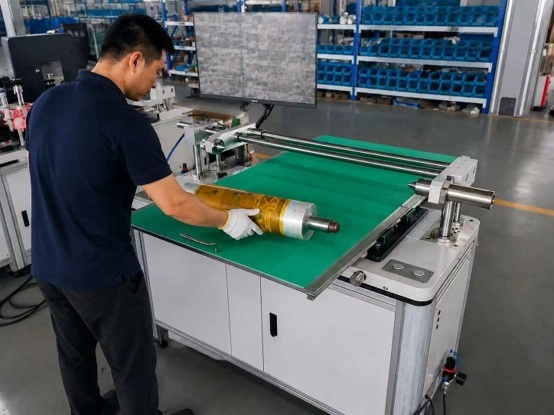
Incorrect plate mounting can create uneven impression and make certain image areas print differently from others. Plate wear, contamination, damage, or inconsistent mounting tape can also affect ink transfer.
For multi-color jobs, accurate plate mounting provides a more stable starting point for registration and impression settings. Plates should be inspected before production, and suitable mounting tape should be applied evenly without bubbles, wrinkles, or contamination.
10. Machine Condition and Web Stability
Mechanical vibration, worn bearings, cylinder runout, unstable web tension, or poor web guiding can create print variation that may initially appear to be an ink or color problem. If the printed density changes periodically or appears differently across the web, mechanical and web-handling factors should also be investigated.
Regular preventive maintenance and stable tension control are therefore important parts of color management, especially at higher production speeds.
How to Troubleshoot Unstable Flexo Print Color
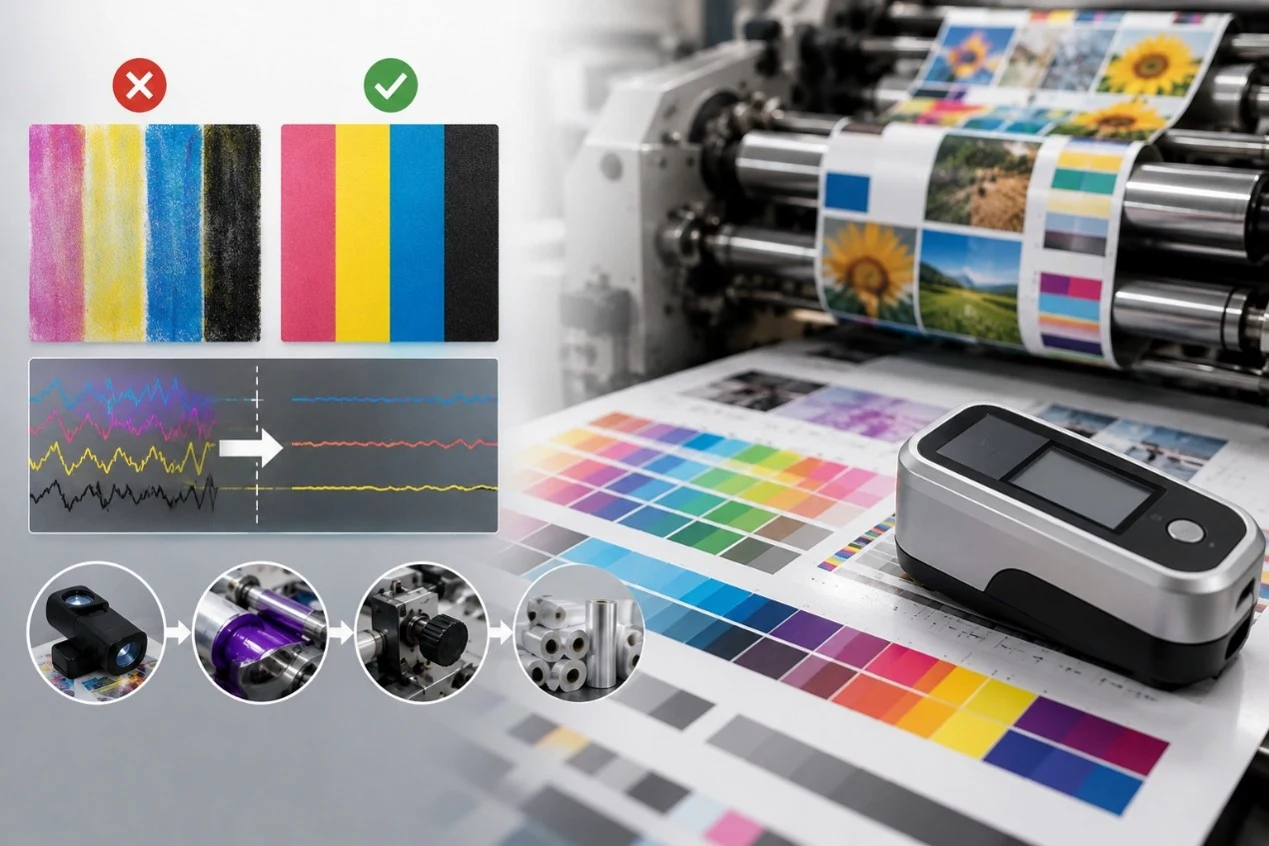
When color becomes unstable, avoid changing several parameters at the same time. First determine whether the variation occurs gradually, suddenly, periodically, across the entire web, or only in one printing unit. This pattern can provide useful clues about the source.
Check the ink condition and viscosity first, followed by the anilox roller, doctor blade, ink circulation, impression pressure, drying, production speed, and substrate. If the problem appears at regular intervals, inspect rotating components such as cylinders and rollers for contamination, damage, or runout.
Recording production parameters also makes troubleshooting easier. Comparing current settings with a previously successful job can quickly reveal changes in ink, anilox specification, substrate, speed, pressure, or drying conditions.
How to Maintain Consistent Flexo Print Color
Consistent color requires a standardized process rather than continuous operator correction. Ink viscosity, temperature, anilox specifications, doctor blade settings, printing pressure, drying parameters, production speed, and substrate information should be recorded for repeat jobs whenever possible.
Modern servo-driven flexographic presses can help maintain stable web tension, registration, speed, and repeatable machine settings, reducing some of the variables that affect print quality. However, servo technology cannot compensate for unsuitable ink, blocked anilox cells, worn doctor blades, poor plate mounting, or inconsistent substrates. Stable color quality comes from controlling the complete printing process.
Conclusion
Flexo print color can become unstable because of changes in ink viscosity, anilox performance, doctor blade condition, ink circulation, printing pressure, speed, drying, substrate properties, plate mounting, or machine stability. The most effective solution is to identify which variable is changing rather than repeatedly correcting the color without finding the root cause.
By standardizing ink management, maintaining printing components, recording successful job settings, and keeping web handling and machine conditions stable, flexographic printers can achieve more consistent color, reduce setup adjustments, lower material waste, and maintain better print quality throughout production.