Doctor Blade System in Flexo Printing: How It Works and Why It Matters
The doctor blade system is a small but critical part of the flexographic printing process. Its main purpose is to remove excess ink from the surface of the anilox roller so that only the controlled amount of ink held inside the anilox cells is transferred to the printing plate. When this process is stable, the press can maintain more consistent ink density, cleaner printing, and better color control.
Because the doctor blade works continuously against the rotating anilox roller, blade material, angle, pressure, chamber condition, ink cleanliness, and maintenance can all affect printing performance. Many problems that initially appear to be caused by ink or the anilox roller may actually be related to the doctor blade system.
How Does a Doctor Blade Work in Flexographic Printing?
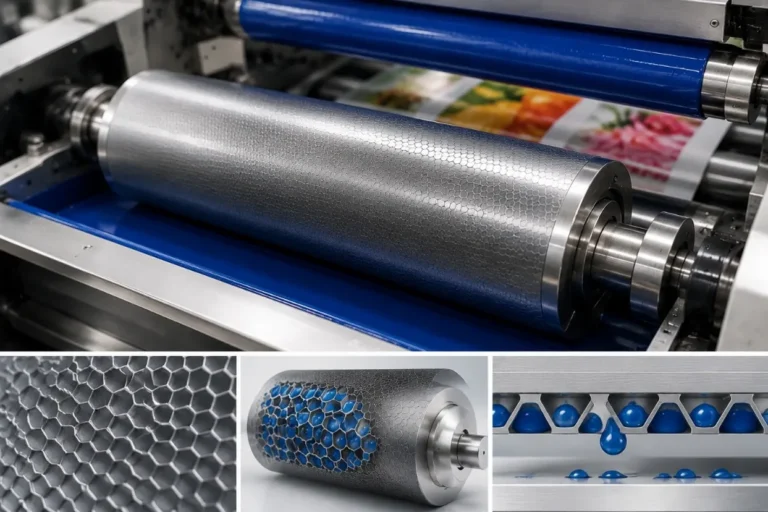
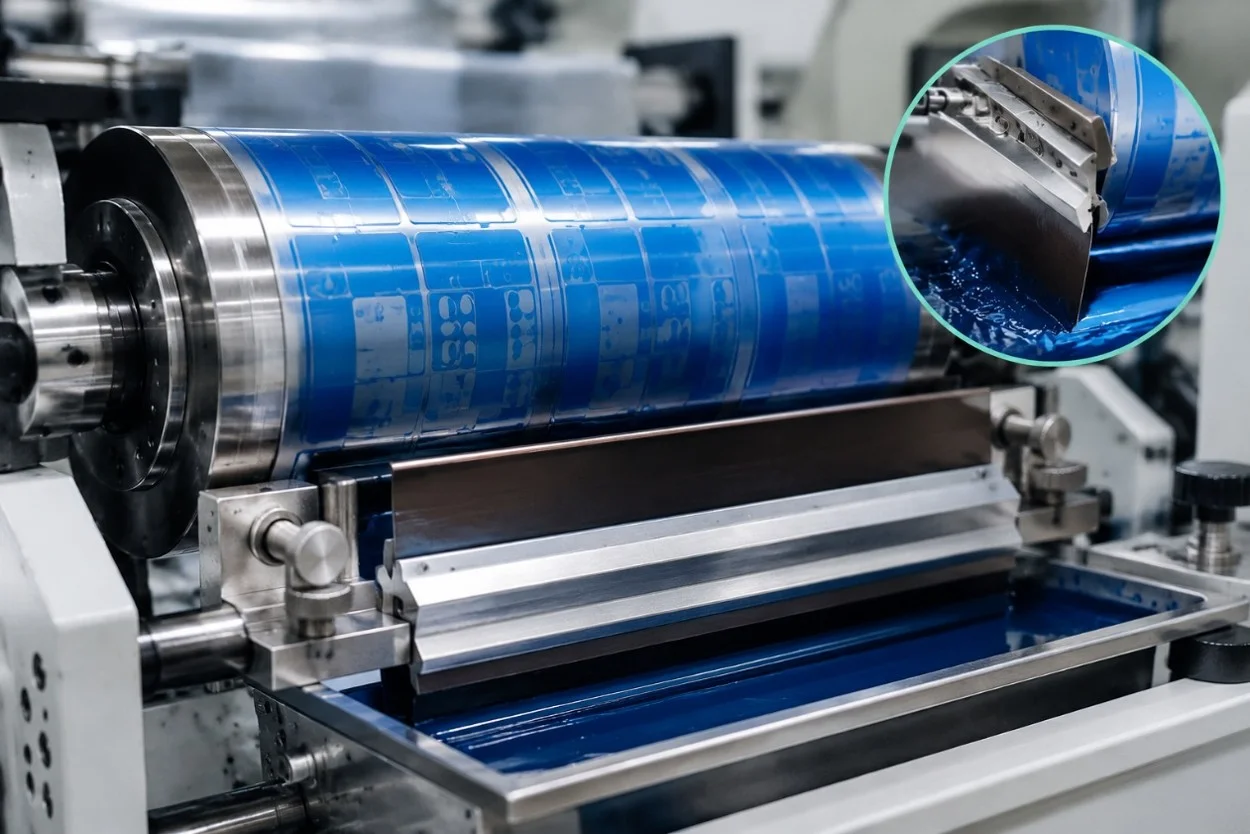
During flexographic printing, ink is supplied to the anilox roller, whose engraved cells carry a controlled volume of ink toward the printing plate. Before the anilox reaches the plate, the doctor blade contacts its surface and removes excess ink from the non-cell areas.
The objective is not to scrape as hard as possible. A correctly adjusted blade creates a clean and consistent metering action with the minimum effective pressure. The remaining ink inside the anilox cells is then transferred to the raised image areas of the flexographic plate and finally to the substrate.
This relationship between the ink system, doctor blade, anilox roller, plate, and substrate is one reason why doctor blade condition can directly influence print density and color consistency.
Open Doctor Blade and Chamber Doctor Blade Systems
Different flexographic presses use different ink metering arrangements. Traditional systems may use a single doctor blade together with an ink pan or ink roller. The construction is relatively simple, but control of the ink environment is more limited.
A chamber doctor blade system encloses the ink against the anilox roller using a chamber fitted with blades and end seals. One blade performs the main metering function, while the other helps contain the ink inside the chamber. Ink is circulated through the chamber continuously during production.
For modern label and flexible packaging printing, chamber systems are widely used because they provide controlled ink delivery and help reduce exposure of the ink to the surrounding environment. The actual performance, however, still depends on correct blade installation, chamber pressure, ink circulation, seals, and maintenance.
Why Blade Material Matters
Doctor blades are available in different materials and specifications. Steel blades are widely used in flexographic printing because they provide precise metering and are available in different grades, thicknesses, and edge profiles. Depending on the application, coated blades may be used to improve wear resistance or performance with demanding inks and higher production speeds.
Polymer or plastic blades are also used in certain applications, although their metering characteristics and wear behavior differ from steel.
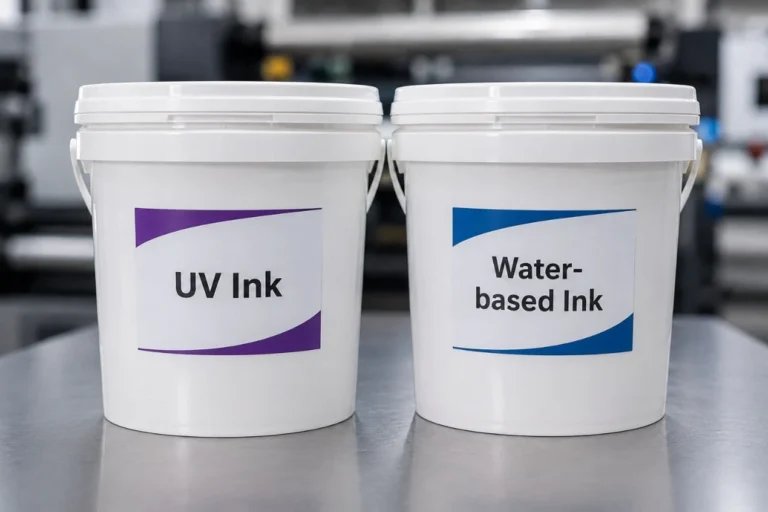
There is no single doctor blade that is best for every job. Ink type, anilox specification, production speed, substrate, required print quality, and expected blade life should all be considered when selecting a blade.
Blade Edge Profiles and Printing Performance
The geometry of the blade edge affects how it contacts the anilox roller. Common configurations include straight or square-edge blades, bevelled blades, and lamella-type profiles. Each design creates a different contact area and may be selected according to the ink system and printing requirements.
For high-quality printing, the goal is to maintain a stable contact area as the blade wears. A blade that meters ink inconsistently can contribute to changes in ink film thickness, which may appear as color variation or other print defects.
Rather than selecting a blade based only on price or thickness, printers should consider the complete combination of blade material, edge profile, anilox roller, ink, speed, and application.
Why More Doctor Blade Pressure Is Not Better
One of the most common mistakes in doctor blade adjustment is using excessive pressure. When operators see excess ink or poor metering, increasing blade pressure may appear to provide a quick solution, but too much pressure can accelerate blade wear and may also increase wear on the anilox roller.
Excessive pressure can also cause blade deflection and unstable contact. The correct approach is to use enough pressure to achieve clean metering while keeping the blade contact as light and consistent as practical.
If significantly more pressure is suddenly required, inspect the blade, holder, chamber alignment, ink contamination, anilox condition, and other components instead of continuing to increase pressure.
What Happens When the Doctor Blade System Is Not Working Properly?
Doctor blade problems can appear in several different ways. Operators may notice inconsistent ink density, dirty print, streaks, lines, excessive ink transfer, rapid blade wear, or changes in color during a production run.
The pattern of the defect often provides useful clues. A continuous line in the machine direction may be associated with contamination or damage at a particular point on the blade, while unstable color across a longer production run may require checking both the doctor blade system and other variables such as ink viscosity and anilox condition.
Blade chatter can also create repeating print defects or banding. In this situation, blade pressure, angle, mechanical vibration, installation, and machine speed should be investigated rather than treating the problem purely as an ink issue.
Ink Cleanliness Has a Direct Effect on Blade Life
Contaminated ink can damage both the doctor blade and anilox roller. Dried ink particles, foreign material, or other hard contamination may become trapped at the blade contact point and create scratches or streaks.
Keeping the ink circulation system clean and using appropriate filtration can help reduce this risk. Ink tanks, pumps, hoses, filters, chambers, and return lines should be maintained as part of the complete printing system rather than treating the doctor blade as an isolated component.
When changing ink or completing a production job, proper cleaning also helps prevent dried residue from affecting the next setup.
Doctor Blade Maintenance Should Be Preventive
Waiting until print quality becomes unacceptable is not the best way to manage doctor blades. Blade condition, chamber seals, holders, ink circulation, and anilox surfaces should be inspected regularly so that wear or contamination can be identified before it creates significant production waste.
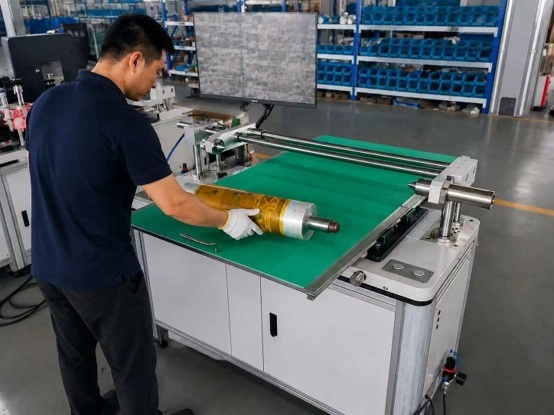
When replacing a blade, operators should follow safe handling procedures because doctor blade edges can be extremely sharp. The blade holder and chamber should also be cleaned before installing a new blade so that old ink or debris does not interfere with alignment.
Keeping records of blade type, ink, anilox specification, production speed, and service life can be useful for repeat jobs and can help printers identify which combinations provide the most stable performance.
The Doctor Blade, Anilox and Ink Must Work as One System
It is easy to focus on one component when troubleshooting flexographic printing, but ink metering depends on several components working together. A high-quality doctor blade cannot compensate for a damaged or heavily contaminated anilox roller, and a correctly selected anilox cannot provide consistent ink transfer if the blade is worn or incorrectly adjusted.
When print density or color begins to change, operators should therefore look at the complete ink delivery and metering process. Checking blade condition, anilox cleanliness, ink viscosity, circulation, printing pressure, and production speed systematically is usually more effective than repeatedly adjusting one parameter.
Why the Doctor Blade System Matters for Print Quality
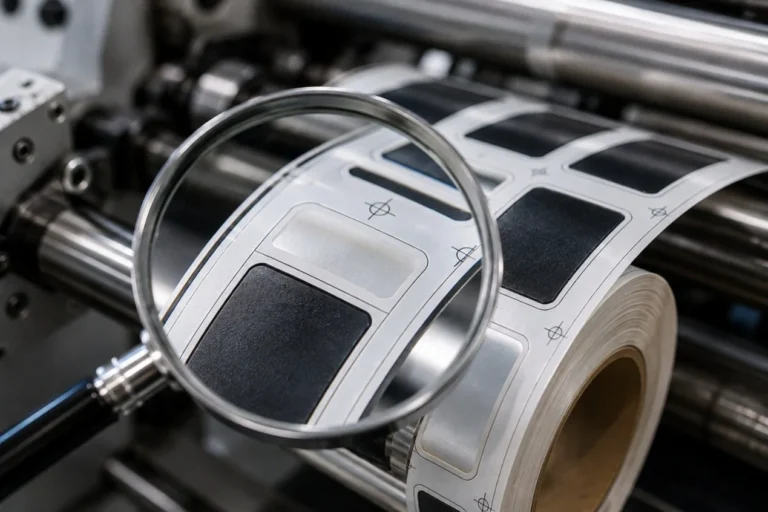
A stable doctor blade system helps control the ink film delivered by the anilox roller, which contributes to consistent color density, clean graphics, predictable ink consumption, and repeatable print quality. This becomes increasingly important when producing fine text, screens, barcodes, multi-color labels, and other demanding flexographic work.
Modern flexographic presses may provide servo control, automatic registration, precise web tension, and advanced drying systems, but consistent ink metering still depends on the basic interaction between the ink, anilox roller, doctor blade, plate, and substrate. Understanding and maintaining this system is therefore an important part of achieving reliable flexographic printing performance.
Final Thoughts
The doctor blade system may be relatively simple in appearance, but it has a major influence on flexographic printing quality. Correct blade selection, light and stable pressure, clean ink circulation, suitable chamber settings, and regular maintenance help the anilox roller deliver a controlled and repeatable ink film.
When doctor blade problems occur, increasing pressure should not be the automatic response. Looking at the blade, anilox, ink, chamber, and operating conditions as one complete system makes it easier to find the real cause, reduce unnecessary wear, and maintain more consistent printing quality.
Looking for a flexographic printing solution for your label or flexible packaging production? GGIN Machinery provides servo-driven flexographic printing machines with stable ink delivery, precise web tension control, automatic registration, and flexible drying configurations. Send us your substrate, printing width, number of colors, ink type, and required production speed, and we can help you evaluate a suitable flexo printing configuration.