How to Increase Flexo Printing Speed Without Losing Quality
Learning how to increase flexo printing speed without sacrificing print quality is an important goal for label printers and packaging manufacturers. Higher production speeds can improve output and reduce production time, but pushing a flexographic printing machine beyond its stable operating conditions may result in registration errors, inconsistent colors, ink drying problems, and increased material waste.
The key to improving flexo printing speed is not simply increasing the machine’s speed setting. It requires proper coordination between web tension, printing pressure, ink transfer, drying or curing, and machine maintenance. By optimizing these factors, manufacturers can achieve more efficient production while maintaining consistent printing quality.
Why Higher Flexo Printing Speed Can Cause Quality Problems
As printing speed increases, the substrate moves through each printing unit more quickly. This places greater demands on the machine’s drive synchronization, web handling, ink transfer, and drying systems.
Problems that are barely noticeable at lower speeds may become more obvious during high-speed operation. For example, unstable web tension can cause registration fluctuations, while insufficient drying may lead to ink smearing or blocking when printed material is rewound.
Mechanical vibration, incorrect printing pressure, and worn components can also become more influential as operating speed increases.
Before attempting to increase production speed, operators should identify the factors currently limiting stable operation rather than assuming that the machine’s rated maximum speed is suitable for every printing job.
Optimize Web Tension and Registration Control
Stable web tension is essential for maintaining accurate registration during high-speed flexographic printing.
If tension fluctuates during acceleration or continuous operation, the substrate may stretch, wrinkle, or shift between printing units. This is particularly important when processing thin PET, BOPP, and other flexible film materials.
Operators should verify that the unwinding, printing, and rewinding sections maintain suitable tension for the material being processed. Web guiding systems should also be inspected to ensure consistent lateral alignment.
Servo-driven flexographic printing machines can provide precise electronic synchronization and flexible registration adjustment, depending on their drive configuration. However, servo technology cannot compensate for every problem caused by unsuitable tension settings or unstable substrates.
When increasing speed, registration performance should be checked during acceleration and after the machine reaches its intended production speed.
Improve Anilox Roller and Ink Transfer Performance
Consistent ink transfer becomes increasingly important as printing speed rises.
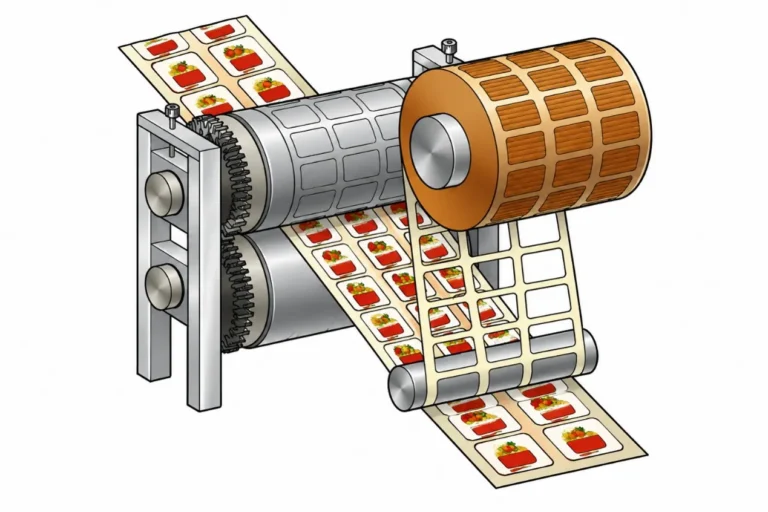
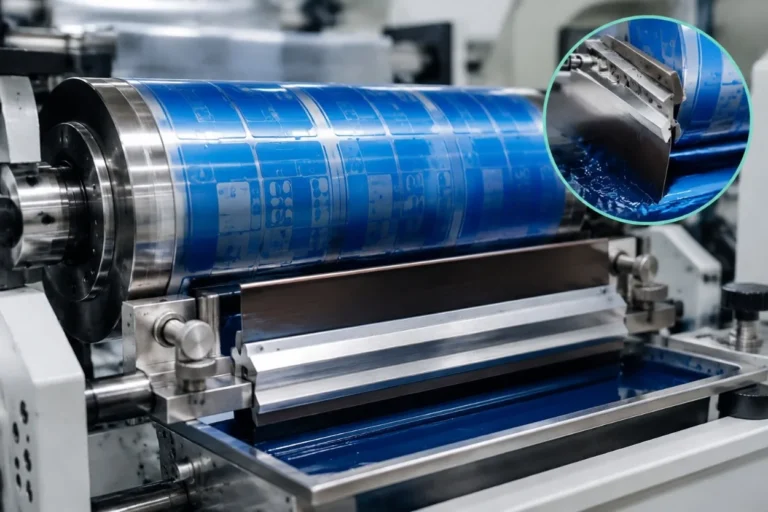
The anilox roller controls the quantity of ink delivered to the printing plate. Its cell volume, engraving geometry, and surface condition influence color density, solid coverage, and fine-detail reproduction.
An unsuitable anilox specification may contribute to insufficient ink transfer or excessive ink film thickness. Dirty or partially clogged cells can also affect color consistency and make stable production more difficult.
Doctor blade condition should be checked regularly because damaged blades, incorrect pressure, or poor blade contact may cause streaks and inconsistent ink metering.
Ink viscosity, temperature, and other formulation-related properties must also remain within the ink supplier’s recommended operating range.
Rather than increasing printing pressure to compensate for poor ink transfer, operators should first examine the anilox roller, ink system, and printing plate condition.
Check Drying and UV Curing Capacity
Drying and curing performance is often one of the main limitations when increasing flexo printing speed.
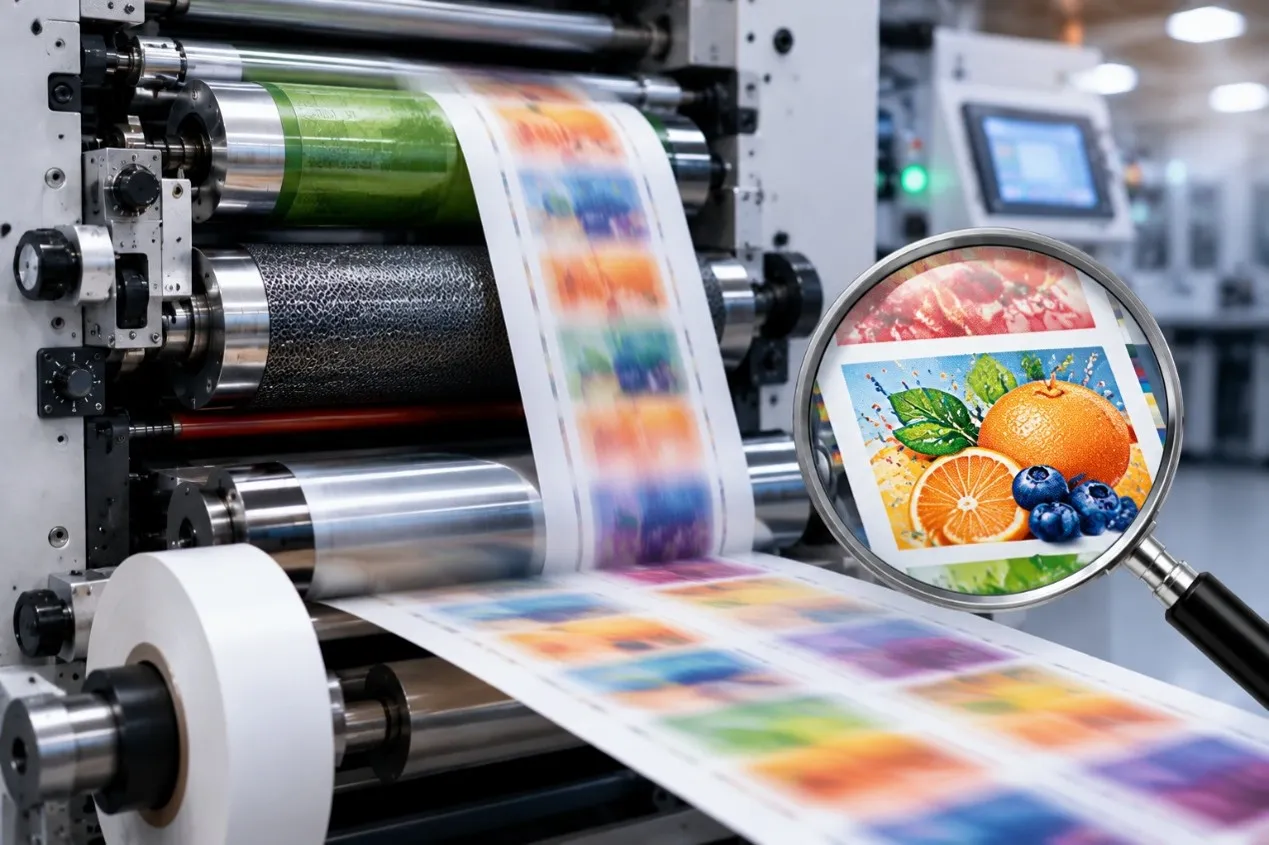
At higher speeds, the printed substrate spends less time passing through the drying or curing section. If the system cannot provide sufficient drying or curing under these conditions, the printed material may experience smearing, blocking, poor adhesion, or other quality problems.
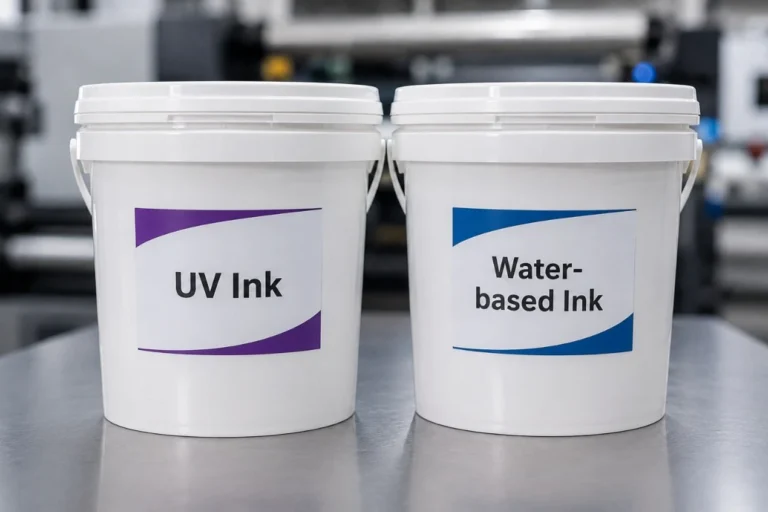
Water-based and solvent-based inks require suitable drying capacity and ventilation, while UV-curable inks depend on compatible curing equipment and appropriate operating conditions.
Increasing dryer temperature or UV output without evaluating the material and ink requirements is not always the correct solution. Excessive heat may deform sensitive films, and inappropriate curing settings may create additional quality or equipment problems.
Operators should verify drying or curing performance at the intended production speed and remain within the ink, substrate, and equipment manufacturers’ operating specifications.
Adjust Printing Pressure and Plate Mounting Accuracy
Incorrect printing pressure can limit both printing quality and achievable production speed.
Excessive impression pressure may contribute to dot gain, image distortion, and accelerated plate wear. Insufficient pressure can result in weak ink transfer or incomplete image reproduction.
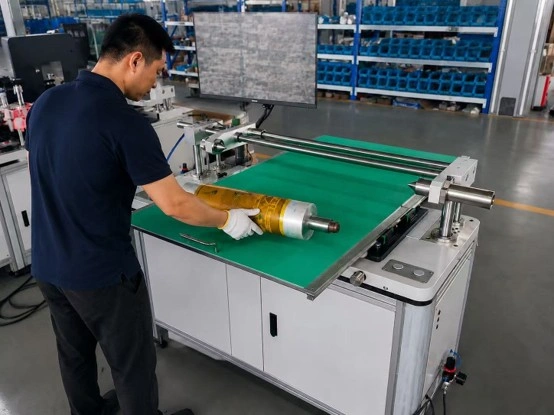
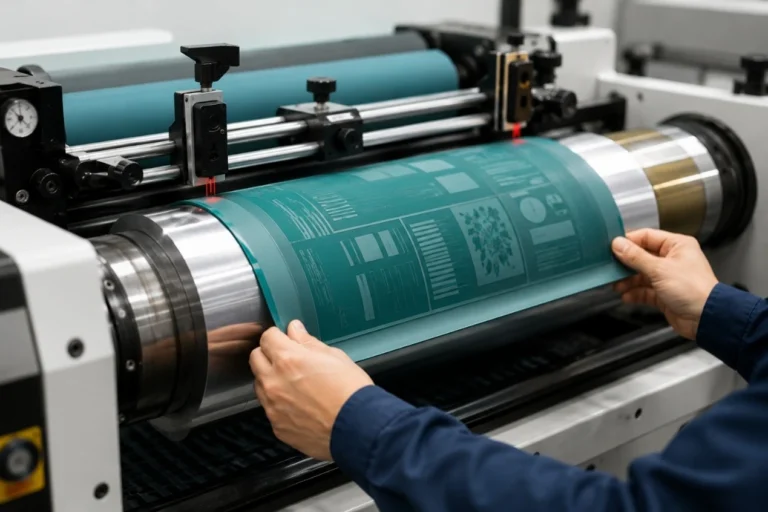
Printing plates should be mounted accurately, using suitable mounting tape and properly prepared cylinder surfaces. Uneven tape application, trapped air, or plate distortion may create printing defects that become more noticeable during faster operation.
Camera-assisted plate mounting systems can help improve positioning repeatability and reduce certain setup adjustments, especially for multi-color label printing.
Before increasing speed, operators should confirm that the printing units are correctly adjusted and that the plates, cylinders, and mounting materials are in suitable condition.
Reduce Mechanical Vibration and Maintain Machine Stability
Mechanical condition is another important factor in high-speed flexographic printing.
Worn bearings, damaged gears, poorly balanced rollers, loose components, or unsuitable drive settings may contribute to vibration and unstable printing performance.
As speed increases, these issues can cause visible print defects, including banding, registration variation, or inconsistent impression.
Regular preventive maintenance should include inspection of rollers, bearings, drive components, and other relevant mechanical systems. Lubrication and component replacement should follow the equipment manufacturer’s recommendations.
Operators should never bypass safety guards, interlocks, or machine operating limits to achieve higher production speeds.
A properly maintained machine is generally better positioned to maintain stable performance than one operated continuously with unresolved mechanical problems.
Increase Flexo Printing Speed Step by Step
A controlled testing approach is more effective than making a large speed adjustment immediately.
Operators should begin with a stable production setting and record the current print quality, registration performance, ink conditions, and material waste.
The printing speed can then be increased gradually while monitoring color density, registration accuracy, drying or curing results, and finished roll quality.
If defects appear, the speed at which they begin should be recorded. This helps identify whether the limitation is related to web handling, ink transfer, drying, or another process.
Only change one major process parameter at a time where practical. Making several adjustments simultaneously can make troubleshooting more difficult.
For repeat jobs, successful operating settings should be recorded to reduce future setup time and improve production consistency.
Focus on Production Efficiency, Not Maximum Speed
The fastest machine setting does not always provide the highest production efficiency.
For example, running a press at a higher speed may increase output per minute, but frequent stops, registration adjustments, and excessive material waste can reduce the number of acceptable finished labels produced per shift.
A more useful measurement is the quantity of good products produced over the total production time.
Manufacturers should consider setup time, operating stability, changeover efficiency, material waste, and downtime when evaluating printing performance.
For businesses handling frequent short-run label orders, reducing setup waste and improving job changeover efficiency may deliver greater benefits than increasing maximum printing speed alone.
Final Thoughts
Increasing flexo printing speed safely requires a balanced approach to machine settings, material handling, ink transfer, drying or curing, and preventive maintenance.
By maintaining stable web tension, optimizing anilox performance, checking printing pressure, and gradually testing higher speeds, manufacturers can improve productivity without unnecessarily compromising printing quality.
The most effective production speed is the one that consistently delivers acceptable printed products with minimal waste and downtime.
Looking for a flexographic printing machine with stable production performance? GGIN Machinery offers servo modular and other flexographic printing solutions for label and packaging applications. Share your printing material, web width, number of colors, ink system, and production requirements, and we can help you evaluate a suitable machine configuration.