PET Label Printing Problems: Common Issues and Solutions in Flexographic Printing
PET film is widely used for labels, flexible packaging, beverage applications, and other products that require excellent transparency, strength, and dimensional stability. However, printing on PET is different from printing on paper or other absorbent substrates. Because PET has a smooth, non-porous surface, problems such as poor ink adhesion, ink smearing, color inconsistency, static electricity, and registration errors can easily occur if the printing process is not properly controlled.
For flexographic printers, achieving consistent PET label quality requires the correct combination of film treatment, ink selection, anilox configuration, web tension, curing, and press settings. This guide explains the most common PET label printing problems and practical ways to solve them.
1. Poor Ink Adhesion on PET Film
Poor ink adhesion is one of the most common problems when printing PET labels. Because PET film has a non-absorbent surface, ink must form a strong bond with the surface rather than penetrate into the material as it does with paper.
Insufficient surface treatment, unsuitable ink, contamination, or inadequate curing can cause the printed image to scratch or peel easily. Before production, check the film’s surface treatment and make sure the ink system is compatible with the specific PET substrate. Corona treatment may be required when surface energy is insufficient, while proper curing must be maintained throughout the production run.
2. Ink Smearing or Incomplete Curing
Ink smearing occurs when the printed ink has not fully dried or cured before the material contacts rollers or is rewound. This problem becomes more noticeable as printing speed increases.
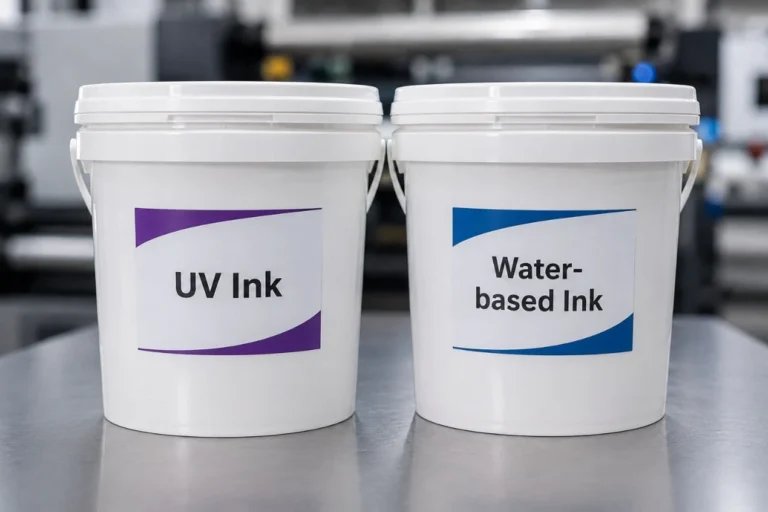
For UV flexographic printing, check UV intensity, lamp condition, ink film thickness, and production speed. For other ink systems, ensure that the drying capacity is appropriate for the ink and PET substrate. Excessive ink transfer from the anilox roller can also make curing more difficult, so increasing drying power is not always the only solution.
3. Registration Problems
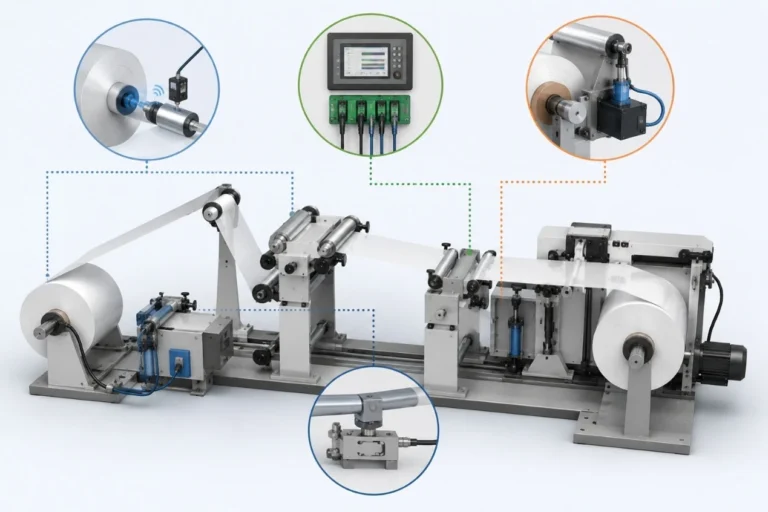
PET is dimensionally stable compared with some flexible films, but unstable web tension can still cause registration problems, particularly on high-speed multi-color flexographic presses.
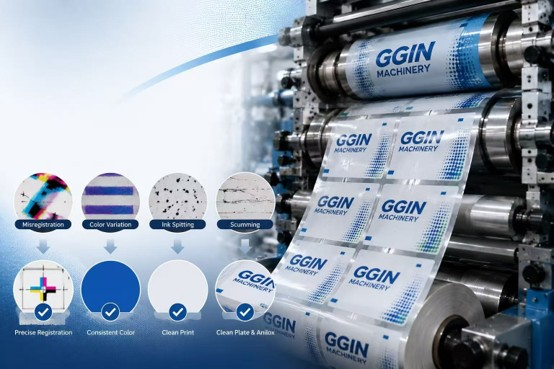
Registration drift may result from incorrect unwind tension, sudden speed changes, inaccurate plate mounting, poor web guiding, or improper press settings. A servo-driven flexographic press with closed-loop tension control and automatic registration can improve stability, while accurate camera-assisted plate mounting helps reduce registration adjustments during startup.
4. Color Inconsistency
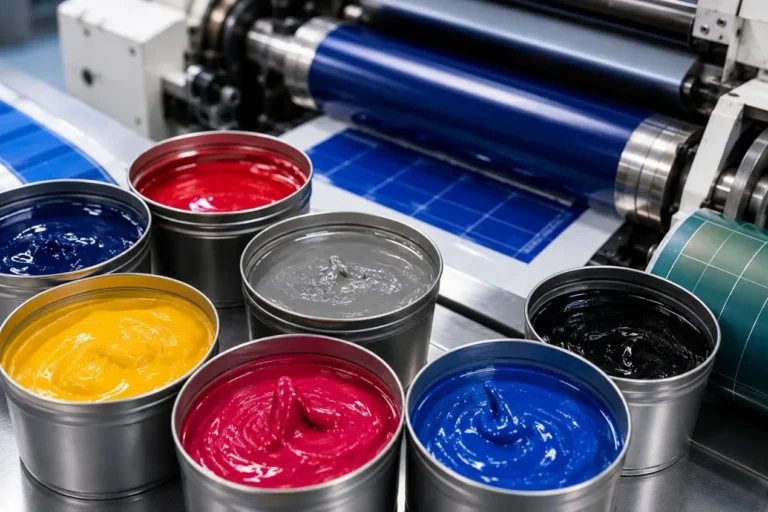
Color variation can make one section of a PET label roll look different from another or make repeat orders difficult to match. Common causes include changes in ink viscosity, anilox contamination, doctor blade wear, inconsistent curing, or changes in printing pressure.
To improve color consistency, maintain stable ink conditions, keep the anilox roller clean, inspect doctor blades regularly, and record proven production parameters for repeat jobs. Instrument-based color measurement can also provide more reliable quality control than visual inspection alone.
5. Static Electricity
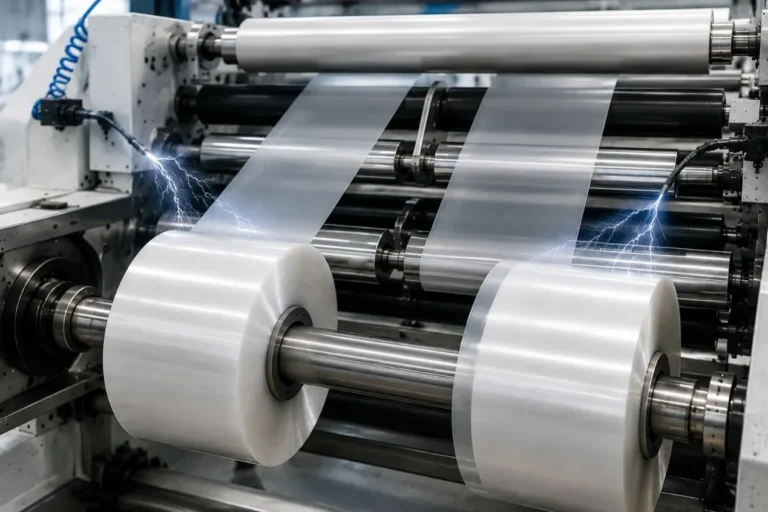
PET film can generate significant static electricity as it travels through rollers at high speed. Static may attract dust, interfere with web handling, affect print cleanliness, and create problems during rewinding or downstream converting.
Proper machine grounding and anti-static equipment can help control static buildup. Keeping the production environment clean is also important because static-charged PET surfaces can easily attract airborne contamination.
6. Dirty Print and Uneven Ink Transfer
Dirty print, streaks, or uneven solid coverage may originate from contaminated printing plates, clogged anilox cells, worn doctor blades, excessive impression pressure, or dust on the PET surface.
Regular cleaning of the plate and anilox roller is essential, while doctor blade pressure should be kept only as high as necessary for consistent ink metering. Similarly, excessive printing pressure should be avoided because it can increase dot gain and reduce image sharpness rather than improve print quality.
7. Web Wrinkles
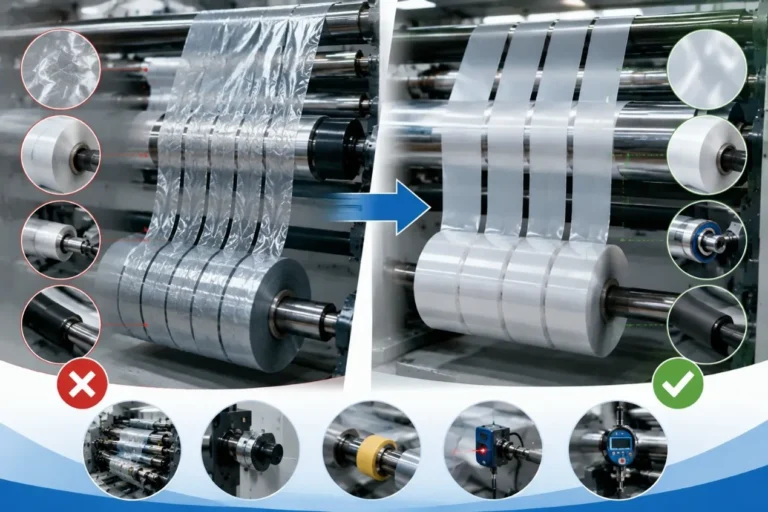
Although PET has good dimensional stability, wrinkles can still occur when web tension is uneven or rollers are incorrectly aligned. Poor web guiding, damaged rollers, and abrupt acceleration or deceleration may also contribute to unstable material movement.
Check whether wrinkles begin at the unwind section, printing unit, drying section, or rewind station before changing machine settings. Identifying where the defect first appears usually makes troubleshooting much faster.
8. PET Film Curling
PET labels may curl after printing or converting because of uneven tension, excessive heat, coating differences, or internal stress in the material. Curling can create difficulties during die cutting, slitting, rewinding, and automatic label application.
Maintain appropriate tension throughout the press and avoid unnecessary heat exposure. If the problem occurs only with a particular material batch, compare it with another PET roll before making major machine adjustments.
9. Scratches and Surface Damage
Transparent and high-gloss PET labels make scratches particularly noticeable. Surface damage may occur when the web contacts contaminated rollers, sharp machine components, or excessive pressure points.
Keep the entire web path clean and inspect guide rollers regularly. Operators should also avoid unnecessary contact with the printable surface during material loading and setup.
10. Problems at Higher Printing Speeds
A PET job may run perfectly at low speed but develop registration, curing, vibration, or ink-transfer problems when the press accelerates. This does not necessarily mean PET cannot be printed at high speed; rather, one part of the printing process may no longer remain stable at the higher production rate.
Increase speed gradually while monitoring web tension, registration, curing, ink transfer, and print quality. The most productive speed is the highest speed at which consistent quality can be maintained, not simply the maximum speed shown in the machine specification.
How to Improve PET Label Printing Quality
Consistent PET printing begins with controlling the complete production process rather than correcting individual defects after they appear. Use PET film with stable surface characteristics, select an ink system designed for non-absorbent substrates, maintain clean anilox rollers and doctor blades, mount printing plates accurately, and keep web tension stable throughout the press.
Drying or UV curing capacity should match the printing speed and ink coverage, while successful settings for tension, anilox specification, impression pressure, curing, and production speed should be recorded for repeat jobs. Preventive machine maintenance also helps reduce vibration, registration variation, and unexpected downtime.
Why Servo Flexo Printing Is Suitable for PET Labels
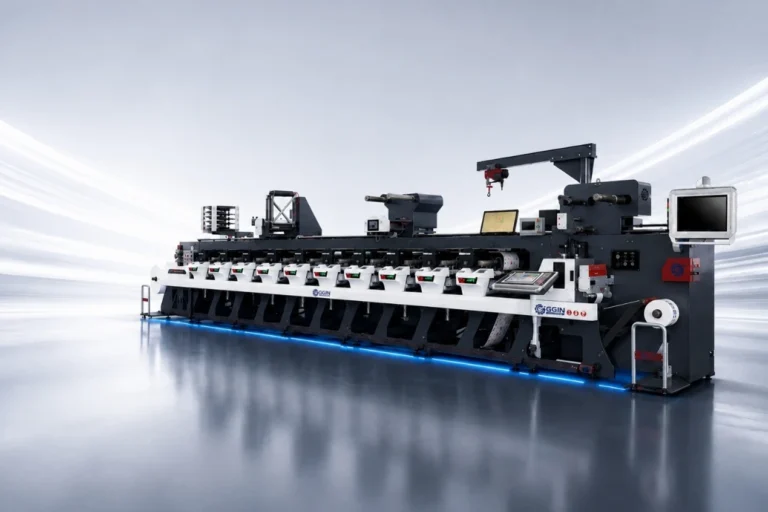
Modern servo-driven flexographic presses are well suited to PET label production because independent motion control, precise web tension management, and automatic registration help maintain stability across multiple printing units. Digital job settings also simplify repeat orders and reduce startup adjustments.
However, servo technology alone cannot guarantee good PET printing. Film quality, surface treatment, ink compatibility, plate mounting, anilox selection, curing, and operator process control remain equally important.
Conclusion
The most common PET label printing problems include poor ink adhesion, smearing, registration errors, color variation, static electricity, dirty print, wrinkles, curling, and surface scratches. Most of these problems can be reduced by carefully controlling PET surface conditions, ink transfer, web tension, printing pressure, curing, and machine maintenance. For label manufacturers, successful PET flexographic printing depends on maintaining a stable and repeatable process. Combining suitable materials and inks with accurate plate mounting, proper anilox selection, precise tension control, and reliable flexographic printing equipment helps reduce waste and produce consistent, high-quality PET labels.